
Energy, sleep and recovery
Looking after your eyes on long screen days
Covers the 20-20-20 rule, display settings, blinking and screen-free breaks.
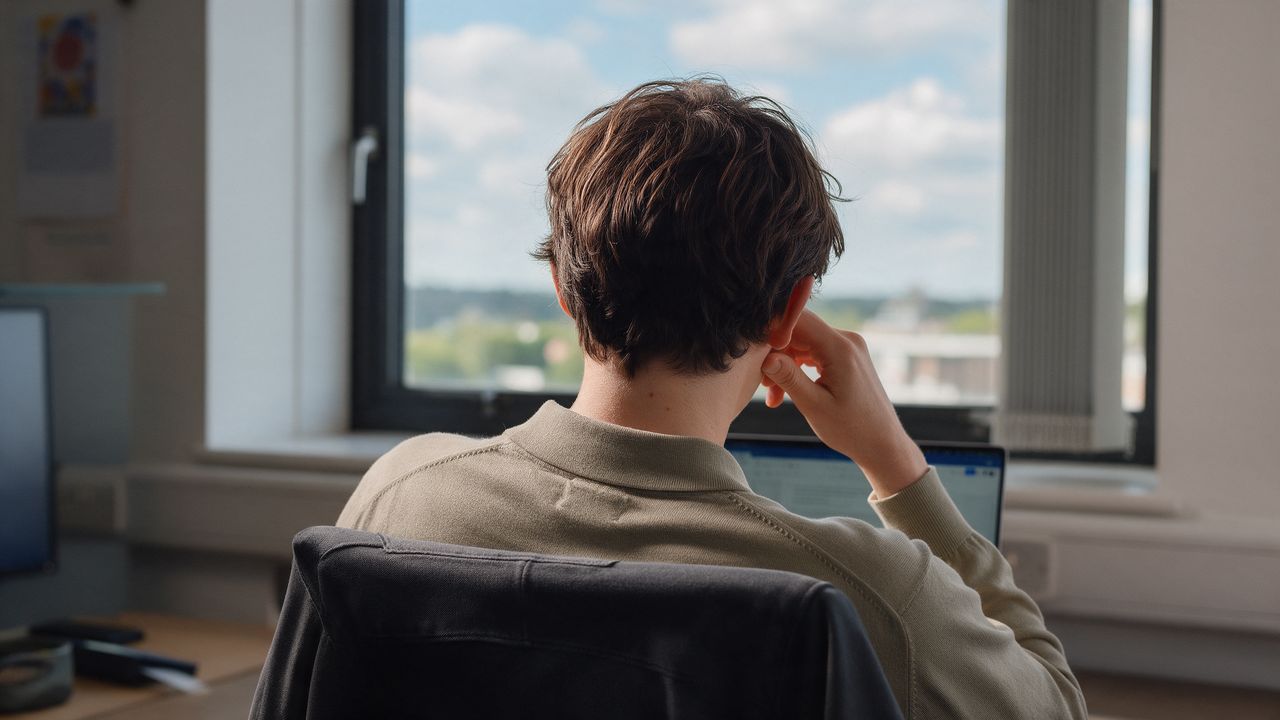
By late afternoon, your eyes feel gritty and tired. The words on your screen seem a little blurrier than they did this morning. You've got a dull headache behind your eyes, and you keep rubbing them without meaning to.
Many people who work at screens all day will recognise this. It's often called digital eye strain, and while it's uncomfortable, there's plenty you can do about it.
Why screens tire your eyes
Screens themselves don't damage your eyes. The College of Optometrists, the professional body for optometrists in the UK, says there's no evidence that the light from screens causes lasting harm. The problem is how we use them.
We blink less. When we concentrate on a screen, we blink much less often than normal, sometimes less than half as much. Blinking spreads tears over the surface of the eye. Without it, eyes dry out and feel sore.
Our focusing muscles get tired. Looking at something close up for a long time keeps the muscles inside the eye working hard. Like any muscle, they get tired if they don't get a break.
Our set-up is often poor. Screens that are too close, too high, too bright or reflecting light from a window all make eyes work harder.
The 20-20-20 rule
Optometrists often recommend a simple habit: every 20 minutes, look at something about 20 feet (around 6 metres) away for at least 20 seconds. It gives your focusing muscles a chance to relax. Looking out of a window works well.
Remember to blink
It sounds silly, but deliberately blinking more helps. Every so often, close your eyes fully and gently, pause for a second, then open them. Doing this a few times every hour can ease dryness. Lubricating eye drops from a pharmacy can also help.
Set up your screen
- Position the screen roughly an arm's length away.
- Have the top of the screen at or slightly below eye level, so you look slightly down.
- Reduce glare from windows and overhead lights. Position the screen at a right angle to windows if you can.
- Adjust the brightness to match the room. A screen much brighter or darker than its surroundings is tiring.
- Increase the text size if you find yourself leaning in.
What about blue light glasses?
Glasses that filter blue light are widely sold for screen users. A 2023 Cochrane review, which looked at all the good-quality studies available, found that they probably make no difference to eye strain in the short term. If you want to try them, that's your choice, but they're not a substitute for breaks and a good set-up.
Make breaks automatic
Habit researcher Wendy Wood has found that habits form most reliably when they're tied to stable cues. Linking eye breaks to things you already do helps. Look out of the window every time you send an email, or every time you finish a call.
Wood also suggests adding friction to habits you want to break. If you tend to pick up your phone during breaks, which gives your eyes no rest at all, leave it in a drawer or across the room.
Your rights at work
Under UK law, employers must assess the workstations of employees who use screens regularly as part of their job. If you're one of them, you're also entitled to ask your employer to pay for an eye test. If you need glasses specifically for screen work, your employer must contribute to the cost.
When to get your eyes checked
Most people should have an eye test every two years, or more often if advised. Eye strain can sometimes be a sign that you need glasses, or that your prescription has changed.
Try this today
Set a reminder for every 20 minutes for the rest of the day. Each time it goes, look out of a window for 20 seconds and blink slowly a few times. Notice how your eyes feel by the end of the afternoon.
Where to get support See an optician if you have ongoing eye strain, headaches or blurred vision. Seek urgent help from an optician, NHS 111 or A&E for sudden changes in vision, eye pain, or flashes and floaters.